
Sign Up For Free Tips So You Can:
How to Use Countdown Timers in Emails Without Being Gimmicky
Countdown timers can give an email a useful sense of timing, but they can also damage trust when they create pressure without a genuine reason. The difference comes down to whether the timer reflects a real event or simply tries to rush a decision.
For Australian businesses, timing deserves extra care. A promotion aimed at Sydney may reach customers in Perth several hours earlier, while public holidays, school holidays and end-of-financial-year campaigns can change buying behaviour across the country.
A well-used countdown element clarifies what is happening, when it ends and what the reader needs to do. It should support the offer rather than dominate the message or distract from the value of the product.
The strongest campaigns also explain the deadline in plain English. If an offer closes at 11:59 pm AEST, say so. If stock is limited, make sure it really is limited. Accuracy is the foundation of urgency that feels credible.
Start With a Real Deadline
A countdown timer should represent a fixed event: a sale closing, a bonus expiring, enrolment ending or a price changing. When the same timer resets every day, subscribers quickly recognise the pattern and learn that the deadline is artificial.
A genuine deadline might be an EOFY promotion ending on 30 June, a webinar registration closing before the event or an early-bird rate finishing at a published time. State the relevant date beside the timer so readers are not forced to interpret a moving clock.
Make the Timing Relevant
The timer needs to match the reader’s circumstances. A national Australian list may include people in Brisbane, Adelaide, Melbourne and Darwin, so specify the time zone when the deadline matters. “Ends midnight AEST” is clearer than “Only hours left.”
Use language that explains the consequence of waiting. “Register before Friday to receive the workbook” is more useful than “Hurry!” If an offer ends at a local time, keep the wording consistent across the email, landing page and checkout.
Design for Clarity, Not Drama
Keep the timer visually simple and place it near the claim it supports. A clean block showing days, hours and minutes is usually enough. Oversized red numbers, flashing effects and multiple exclamation marks can make a legitimate campaign look like a low-quality promotion.
The timer should also work as a static fallback when images are blocked. Include the deadline in live text and write meaningful alt text where appropriate. This keeps the message understandable for subscribers using accessibility tools or restrictive email settings.
Pair Urgency With a Persuasive Offer
Urgency cannot rescue an unclear offer. Readers still need to know what they receive, who it is for, how much it costs and why the opportunity is worth acting on now. Review your stronger offer writing before adding a countdown.
A useful structure is benefit, proof, deadline and action. For example, an online course might explain the result students can expect, mention relevant support, state that the enrolment bonus ends on Thursday and then present one clear button. The timer reinforces the sequence instead of replacing it.
Use Scarcity Honestly
Time scarcity and stock scarcity are different claims. A timer can show when a discount expires, but it should not imply that physical stock is disappearing unless inventory genuinely controls availability. Be especially careful with digital products, where unlimited access can make “almost gone” language misleading.
If the deadline changes, acknowledge it openly. Extending a sale may be commercially necessary, but pretending the original closing time never existed can reduce future response rates. A transparent note such as “We extended this until Sunday after many requests” is more credible than silently restarting the clock.
Check the Experience Across Devices
Most subscribers will see the message on a mobile device, often while commuting, shopping or moving between tasks. Test the timer on common phones and email clients so it does not push the offer, price or call to action too far down the screen.
Also inspect the destination page after the click. The landing page should repeat the same deadline and time zone, load quickly and make the next step obvious. A timer that reaches zero while the checkout still accepts the old offer creates confusion and unnecessary support requests.
Measure Behaviour and Trust
Track more than clicks. Compare conversion rate, revenue per recipient, refund requests and unsubscribe rate between timer and non-timer campaigns. A higher click-through rate is not a success if the extra urgency produces poor-fit purchases or damages list engagement.
Segment the results by audience and campaign type. A Boxing Day sale may respond differently from a professional services offer, and a warm subscriber may need less urgency than a new lead. Marketing Cipher offers practical marketing education for testing copy, offers and conversion tactics with greater discipline.
Use This Quality Check
Before sending, verify the details that protect credibility:
- The deadline is real and supported by the offer terms
- The time zone is clear for Australian subscribers
- The timer has a text-based fallback
- The landing page uses matching dates and language
Then review the message from the customer’s perspective. Remove anything that sounds inflated, confusing or unnecessarily aggressive. A calm, specific email can create urgency while still respecting the reader’s judgement.
Use these signs to decide whether the timer is earning its place:
- It explains what changes when the clock reaches zero
- It highlights a meaningful benefit or saving
- It appears once or twice, rather than throughout the email
- It remains accurate for the whole campaign
A countdown timer works best as a practical reminder, not a theatrical device. When the deadline is genuine, the offer is clear and the experience is consistent, urgency feels like useful information rather than manipulation.
Apply the checklist to your next campaign, test the timer against a control version and watch both sales and subscriber trust. Subscribe to Marketing Cipher for free advice on copywriting, email marketing and conversion strategy that helps your promotions perform without gimmicks.
Expert Marketing Tips & Tricks
We will share with you the latest tips and tricks from proven marketing experts:
- Dominate your target market
- Write powerful sales copy that converts
- Learn traffic secrets to attract unlimited leads
- Create Irresistible offers
- Grow your email list
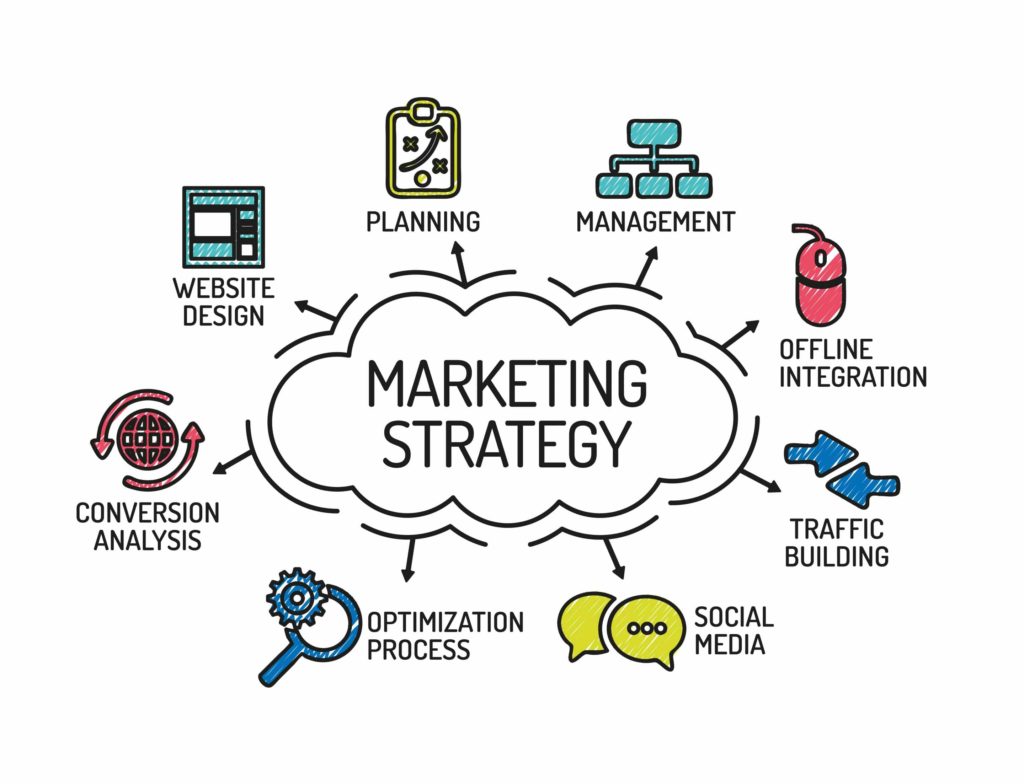
Get FREE Marketing Tips So You Can Grow Your Online Business
Check Out Our Latest Posts
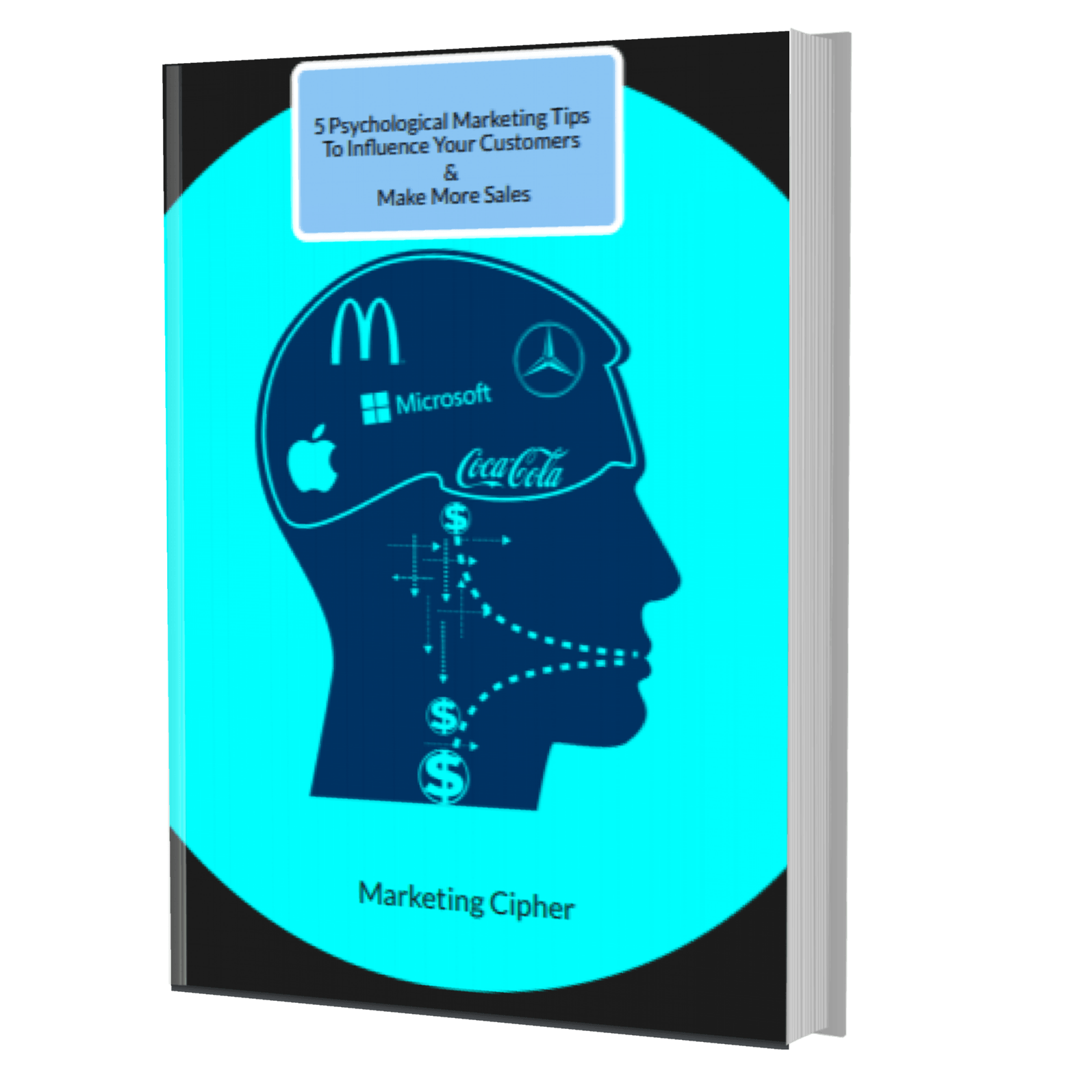
Get Your FREE Gift
"5 Psychological Marketing Tips To Influence Your Customers & Make More Sales"
Download This Free e-book To Learn How To:
Want More Leads, Traffic, & Sales?
Sign Up For Free Tips & Boost Your Results Now!